Open an item
View an item's details
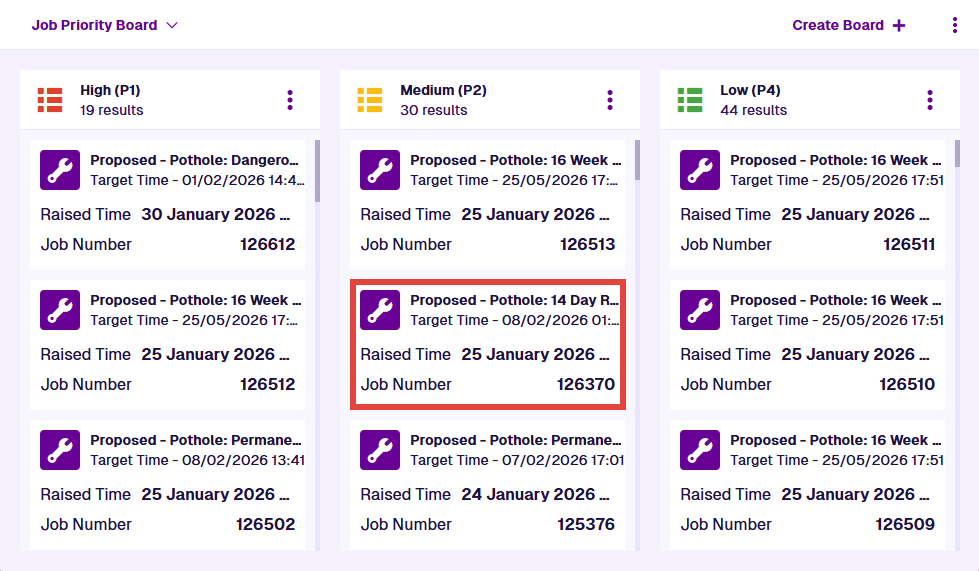
Select an item on the current board to open it. Alternatively, search the board by keyword and select an item in the results.
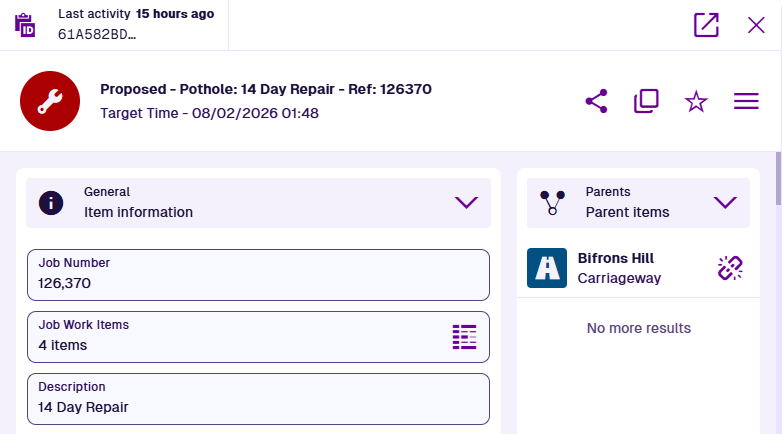
The item will open in a pop-up, so you can view its details without interrupting what you're doing. To open the item in a new browser tab, select Open in the corner of the pop-up. Otherwise, select Close to return to the board.