Point geometry
Define a single point
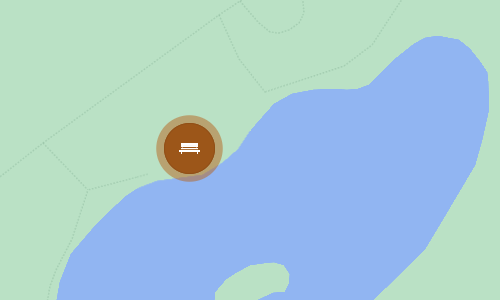
This geometry type defines a single point on the map. Use it to describe the location of assets whose size and shape is unimportant, e.g. bins, benches, street lights.
How to draw
When you're editing item geometry, or another geometry data field, the Geometry Editor appears. The row of draw tools indicates which geometry types are allowed by the item's design (or the source of the field).
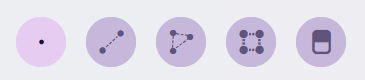
Select the Point tool and then select your desired location on the map.
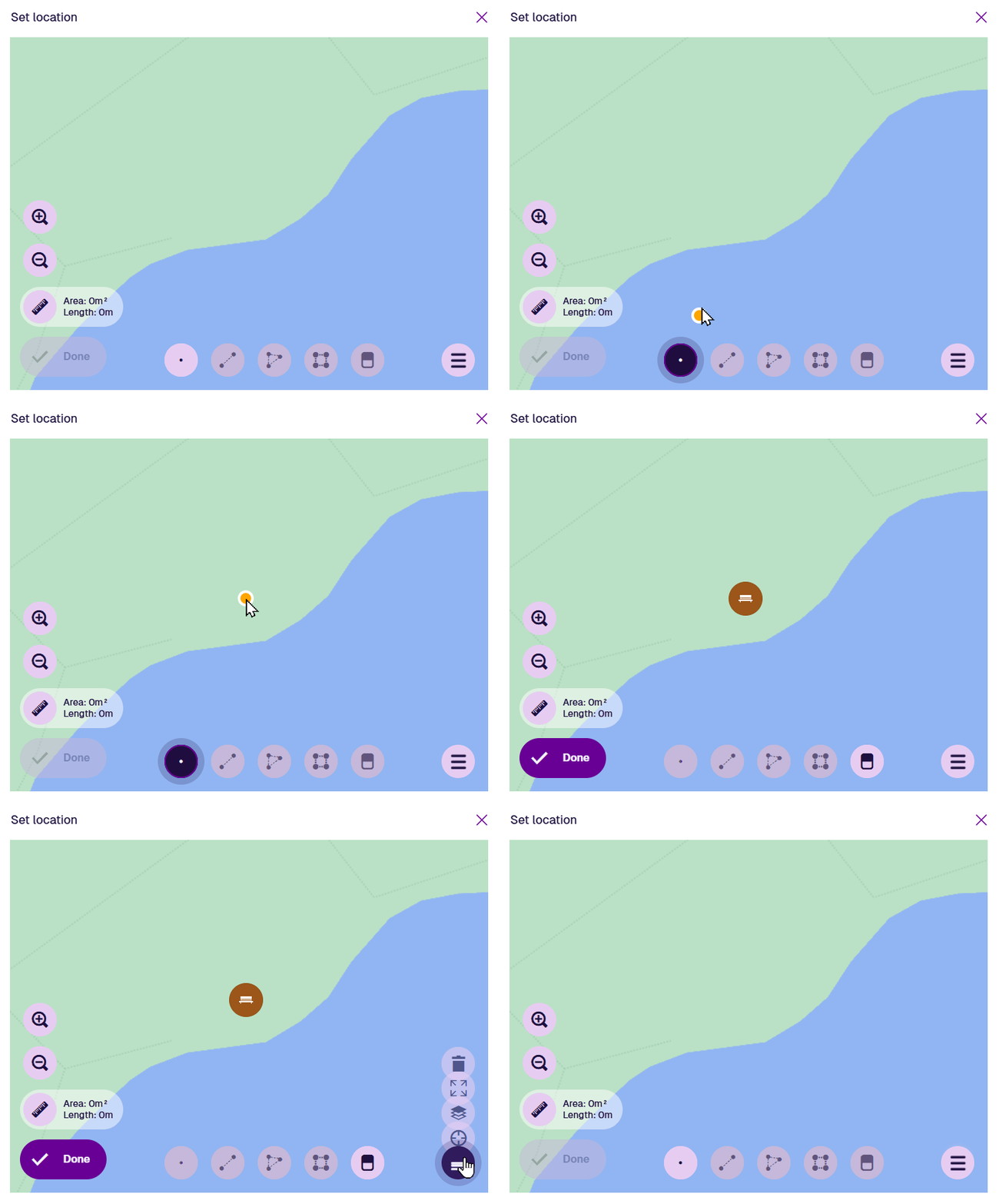
Once a point is selected, the Point tool becomes dimmed to indicate that no further points can be added. To reposition the point, drag it to another location, or use the Erase tool to remove it and start again.
Select Done to save your changes.
Example GeoJSON
To access the underlying code of the current geometry, select Menu in the Geometry Editor and choose GeoJson view.
{
  "type": "Point",
  "coordinates": [-1.532528, 52.287515]
}