Location search
Go anywhere in the world
Use the Locations search category to visit any location on the map, from any app. Search for any part of an address, business name, or popular landmark, e.g. Empire State Building. If you can find it on Google Maps, you can find it in CausewayOne Asset Management!
The Maps app has its own Location search, which also supports coordinates.
Search for a location
To search for an address or point of interest:
-
Select Search in the app bar to open the Search window.
-
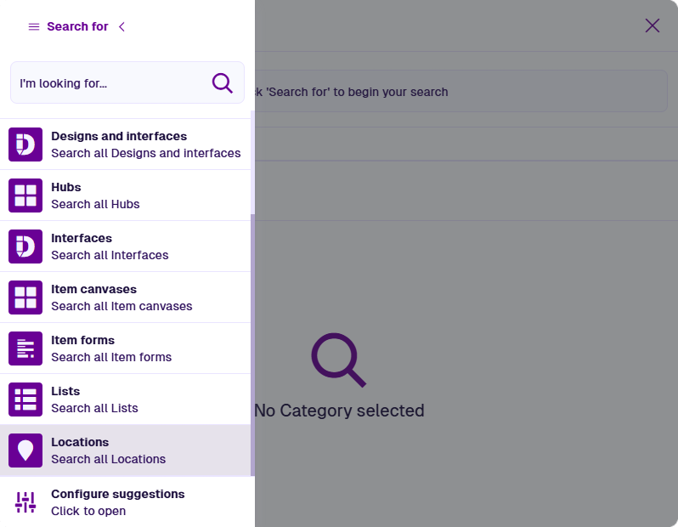
Select the top-left Search for button and choose Locations. If it's missing from the list, see Search suggestions.
-
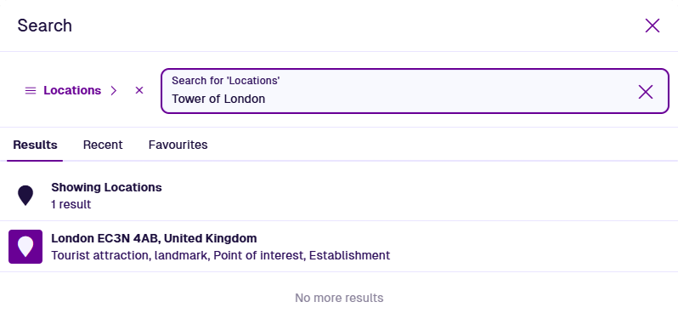
Enter an address or place name in the search box and press the Enter key.
 info
infoYou can also search for latitude and longitude coordinates in the Decimal Degree format, e.g. 41.40338, 2.17403.
-
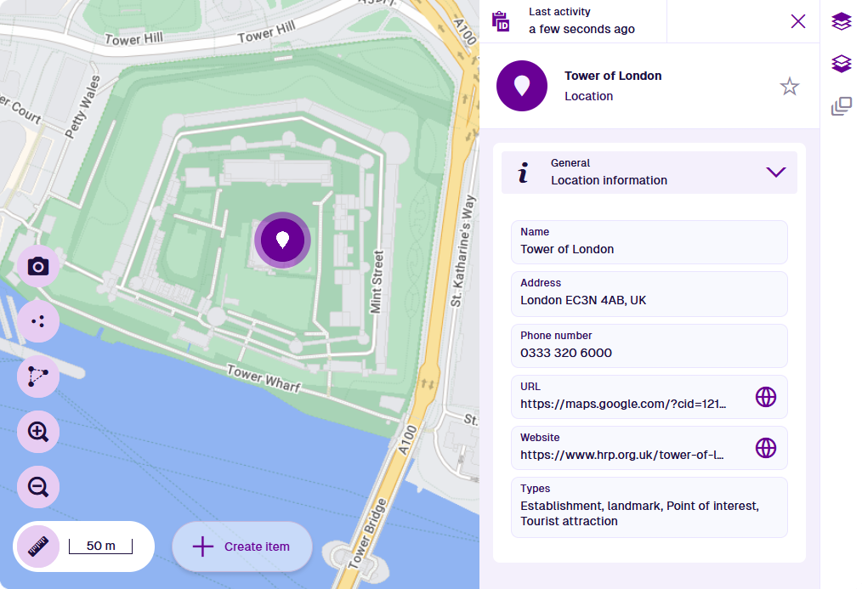
Select a result to open the Maps app, zoom to the location and view its details.
The details displayed depend on the location. Businesses typically display a phone number and website along with the address. To open the location in Google Maps, select beside the Url.