Edit the list
Change the list's query
You can edit the current list at any time. If you've opened a shared list, you must be in its Editors list to do so! Any changes you make are saved automatically.
Open the List Menu in the app bar (top-right) and choose Edit list :
-
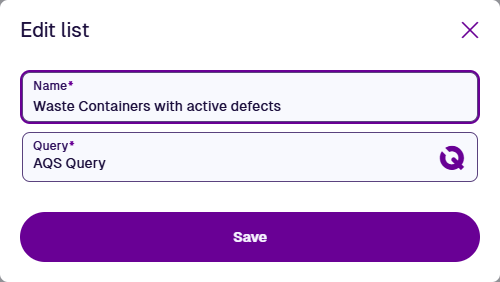
Name * - enter a distinct name that describes what the list searches for.
-
Query * - use the AQS Builder to build a query that fetches items meeting specific conditions.
Select Save to finish and list the item results of the query.
AQS parameters
For a more flexible list, use AQS parameters in its query. Whenever the list is opened, you'll be prompted to enter parameter values for your current session, e.g. choose which Priority to filter task items by, draw the Geometry area to fetch asset items from. To change these inputs when the list is open, select AQS parameters in the app bar.