Change the basemap
Set the map's background imagery
You can change the active basemap at any time. This affects the background imagery used for maps throughout CausewayOne Asset Management on your device, including the Maps app, the Geometry Editor, and the map picker.
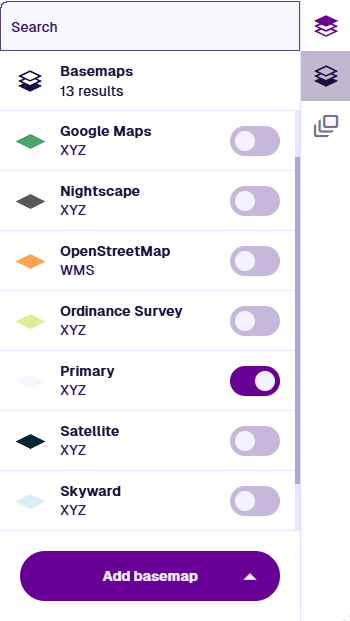
To change the basemap, select Basemaps in the right toolbar and enable the basemap you want.
Basemap alignment
In CausewayOne Asset Management, all geometry is saved using the WGS84 Lat/Lng (EPSG:4326) coordinate system.
If the active basemap uses another coordinate system, item geometry is automatically transformed (by us or the map service) to keep things in proportion. As a result, item geometry may appear slightly misaligned with the basemap.
Therefore, switch to the most relevant basemap before editing an item's geometry, so you can draw directly over the basemap's features as needed.