Relative date and time values
Provide a dynamic date or time
Each node represents a single dynamic value, calculated from a chosen point in time:
-
Relative Date - offset by a number of days, e.g. 2 days before end of week, 5 days from today
-
Relative Date Time - offset by a number of time units, e.g. 1 hour 30 minutes before end of day, 2 days 8 hours from now
Usage
These nodes are inputs, so you can add them to the segments of these comparison nodes:
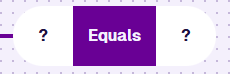
Compatibility
These nodes each fill one segment. The other must hold a reference node of the same value type.
| Node | Accepted Value Type | Notes |
|---|---|---|
| Attribute | Same as the Value node | Use the Pathfinder to choose an attribute, on the queried item or a linked item |
| Property | Date Time | Only if Last edit date is chosen and the comparison is Less than or Greater than |
Options
Select a node to access its options:
- Delete - remove the node from the segment.
- Parameter - select a compatible parameter to use as a placeholder. The value is provided when the query runs.
-
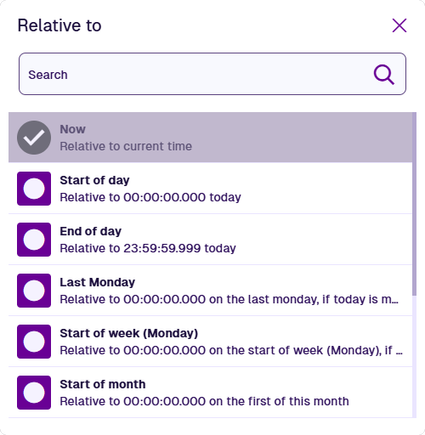
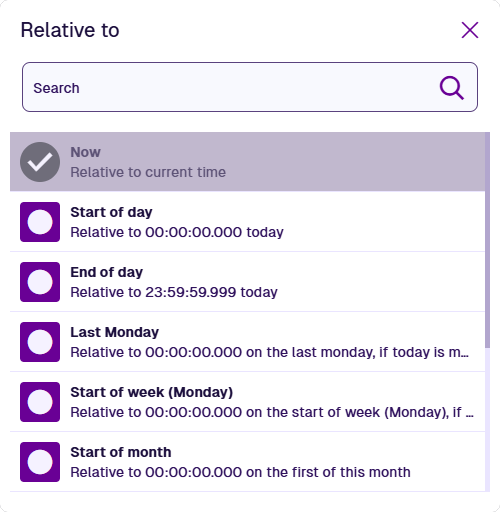
Relative to - choose a dynamic starting point from the list. Defaults to Now.
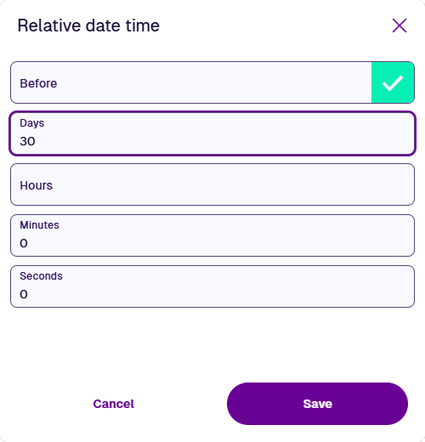
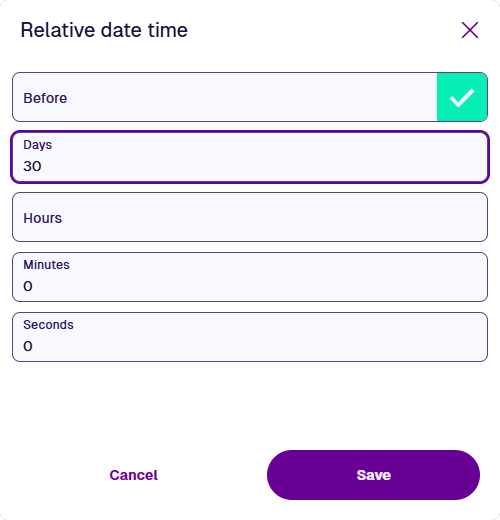
Instead of a parameter, select the relevant field and set the offset directly:
-
Relative Date - enable Before if required, then enter the desired number of days.
-
Relative Date Time - enable Before if required, then enter the desired number of time units.
Examples
Relative Date
Fetch defects reported in the last 30 days.
In AQS terms:
Fetch items of the Defects interface where their Reported Date attribute is greater than 30 days before now.

See JSON code
This code may reference designs, interfaces, attributes or items that don't exist in your company project.
{
  "type": "Query",
  "properties": {
    "collectionCode": "Live",
    "dodiCode": "designInterfaces_defects"
  },
  "children": [
    {
      "type": "GreaterThan",
      "children": [
        {
          "type": "Attribute",
          "properties": {
            "attributeCode": "attributes_defectsReportedDate"
          }
        },
        {
          "type": "RelativeDate",
          "properties": {
            "relativeTo": "Now",
            "value": ["-30.00:00:00.000"]
          }
        }
      ]
    }
  ]
}
Relative Date Time
Fetch all assets that were edited today.
In AQS terms:
Fetch items of the Assets interface where their Last edit date property is greater than 0 seconds from Start of Day.

See JSON code
This code may reference designs, interfaces, attributes or items that don't exist in your company project.
{
  "type": "Query",
  "properties": {
    "collectionCode": "Live",
    "dodiCode": "designInterfaces_assets"
  },
  "children": [
    {
      "type": "GreaterThan",
      "children": [
        {
          "type": "ItemProperty",
          "properties": {
            "itemPropertyName": "lastEditDate"
          }
        },
        {
          "type": "RelativeDateTime",
          "properties": {
            "relativeTo": "StartOfDay",
            "value": ["0.00:00:00.000"]
          }
        }
      ]
    }
  ]
}