Filters
How to filter the display
Overview
Alloy Mobile allows you manage the display of assets, jobs, inspections or defects. You can filter the display by individual designs using the Filter menu option.
Filtering the workspace
To filter the display use the following procedure:
- Open the Main menu, then select Filters. The Filters page is displayed.

-
By default all the designs are selected to be displayed. Designs are grouped by type:
- Jobs
- Inspections
- Defects
- Assets
- Other tasks
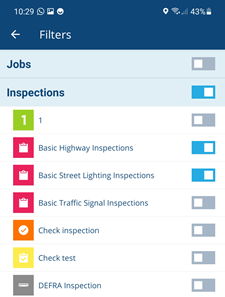
You can select the group heading to reduce the list displayed.
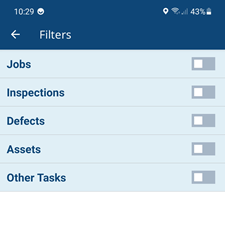
Each group heading has a switch that allows you to filter all the designs within the group.
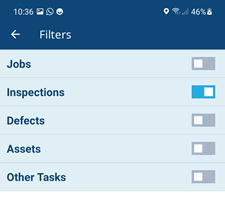
Select a group heading to expand the list and select individual designs to be displayed.