Example 1 - Check an attribute
Compare an attribute to a fixed value
This example demonstrates how to build the following query in the AQS Builder:
Fetch all defects that are awaiting inspection.
In AQS terms:
Fetch items of the Defects interface where their Status attribute equals Awaiting Inspection.
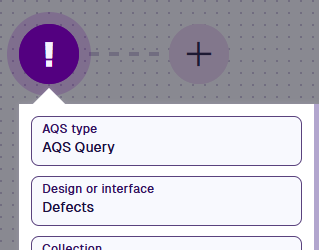
1 Configure the root node
Select the root node and set:
- AQS type - AQS Query
- Design or interface - Defects
- Collection - Live
- Attributes - Title, Subtitle, Status
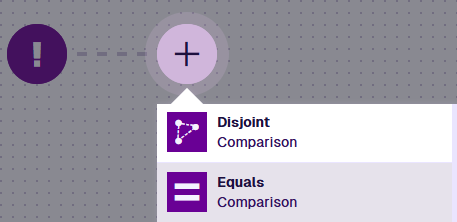
2 Add the comparison
Select Add node and choose Equals.

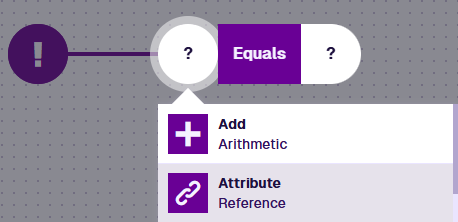
3 Read the Status attribute
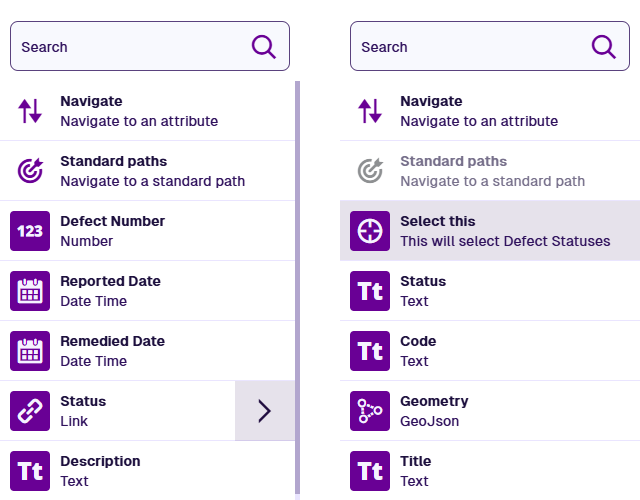
Select the left segment and choose Attribute. It defaults to the first suitable attribute on the design/interface being queried.
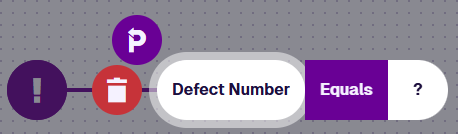
Select to open the Pathfinder. As Status is a Link attribute, select its arrow and then Select this.

4 Choose the status to match
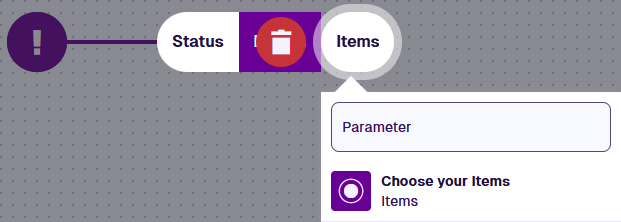
Select the right segment, choose Item, then Choose your Items.
Choose Awaiting Inspection from the list of Defect Statuses items.
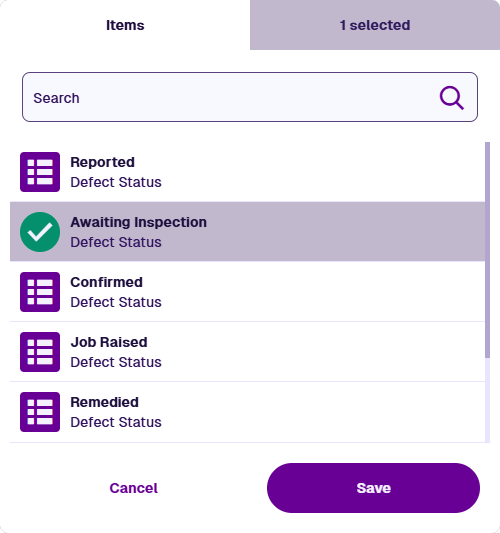
You can select more than one Defect Statuses item. The query will fetch any Defects item with any of your selected statuses.
5 Finish
Select Done (bottom-left) to finish.

See JSON code
This code may reference designs, interfaces, attributes or items that don't exist in your company project.
{
  "type": "Query",
  "properties": {
    "attributes": ["attributes_itemsTitle", "attributes_itemsSubtitle", "attributes_defectsStatus"],
    "collectionCode": "Live",
    "dodiCode": "designInterfaces_defects"
  },
  "children": [
    {
      "type": "Equals",
      "children": [
        {
          "type": "Attribute",
          "properties": {
            "attributeCode": "attributes_defectsStatus"
          }
        },
        {
          "type": "AlloyId",
          "properties": {
            "value": ["5c8bdfb58ae862230019dc1f"]
          }
        }
      ]
    }
  ]
}