Example 4 - Parameters and AQS Join
Reuse a parameter across linked data
This example demonstrates how to build the following query in the AQS Builder:
Fetch all inspections assigned to a particular team.
In AQS terms:
Fetch items of the Inspections interface with a Link attribute that references a Teams item, which has a Team Name attribute equal to some text.
We'll use a TeamName parameter as a placeholder for "some text".
1 Configure the root node
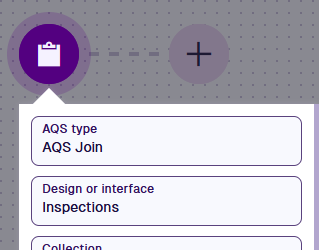
Select the root node and set:
- AQS Type - AQS Join
- Design or interface - Inspections
- Collection - Live
- Attributes - Title, Subtitle, Team Name
This query uses AQS Join because it returns data from the Teams items that the inspections link to, not just from the inspections themselves.
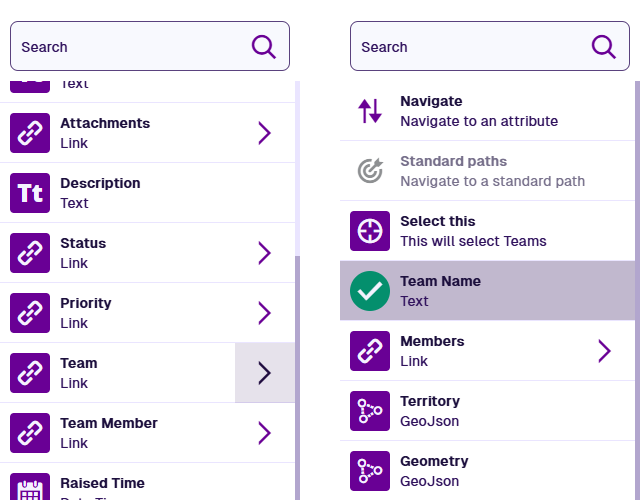
When selecting attributes in the Pathfinder, select to follow the Team Link attribute to the Teams design, then select its Team Name attribute.
2 Add the parameter
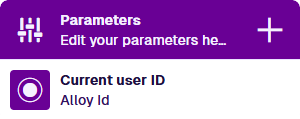
Select Add parameter and fill in the parameter's fields.
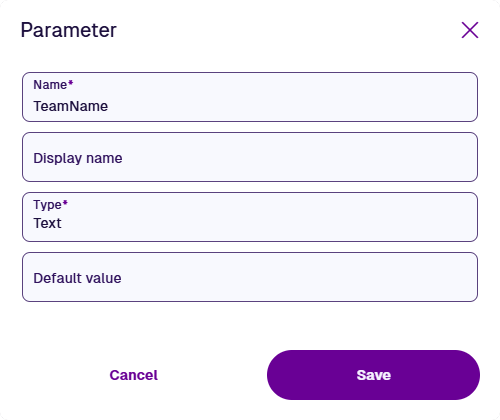
Enter a Display Name to change how the parameter is labelled. The underlying AQS code will still use Name.
3 Add the comparison
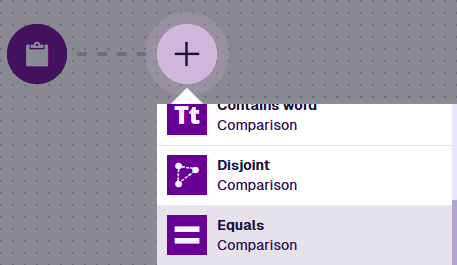
Select Add node and choose Equals.

4 Read the linked Team Name
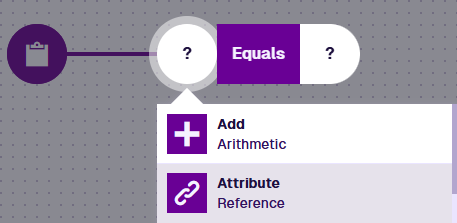
Select the left segment and choose Attribute.
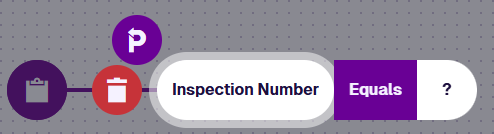
Select and use the Pathfinder to reach the Teams design and select Team Name, as in step 1.

The shows that the attribute belongs to a connected design/interface rather than the one being queried.
5 Use the parameter
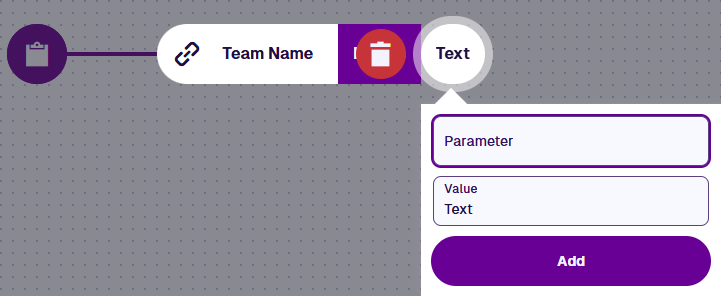
Select the right segment and choose Text. Select Parameter and choose TeamName.
6 Finish
Select Done (bottom-left) to finish.

See JSON code
This code may reference designs, interfaces, attributes or items that don't exist in your company project.
{
  "type": "Join",
  "properties": {
    "attributes": ["attributes_itemsTitle", "attributes_itemsSubtitle"],
    "collectionCode": "Live",
    "dodiCode": "designInterfaces_inspections",
    "joinAttributes": ["root.attributes_tasksTeam.attributes_teamsTeamName"],
    "parameters": [
      {
        "name": "TeamName",
        "type": "String"
      }
    ]
  },
  "children": [
    {
      "type": "Equals",
      "children": [
        {
          "type": "Attribute",
          "properties": {
            "attributeCode": "attributes_teamsTeamName",
            "path": "root.attributes_tasksTeam"
          }
        },
        {
          "type": "String",
          "properties": {
            "parameterName": "TeamName"
          }
        }
      ]
    }
  ]
}
Running the query
Whenever someone runs the query, they will be prompted to provide a value for the parameter.
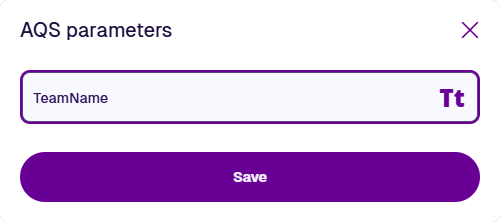
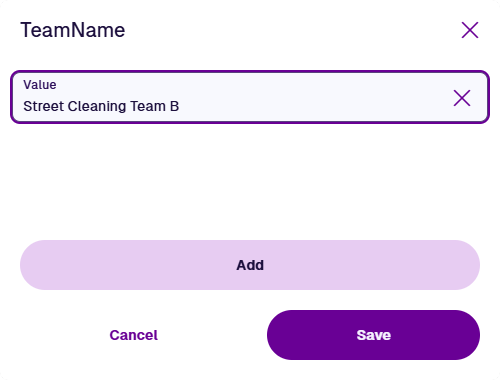
You can supply more than one value. The query will fetch inspections linked to a team matching any of them.