Deleting layers
Delete layers that you no longer need
Overview
Deleting a custom layer is a straightforward process, however, when you delete a layer you remove all the styles associated with it.
System layers associated with modules can only be deleted by System Administrators and Layer Managers. Users can only delete custom layers providing they have the permissions to do so.
Deleting a layer
To delete a layer use the following procedure:
-
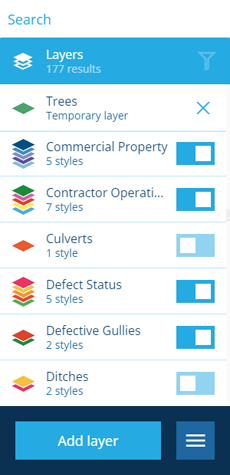
Select Layers in the right panel menu to open the list of all layers.
-
In the right panel, select a layer to view its details.
-
Select Delete in the action bar.
-
A confirmation dialog is displayed. Select Yes to confirm the deletion.
Removing a temporary layer
To remove a temporary layer, select its button. Temporary layers are removed automatically when your CausewayOne Asset Management session ends.